On this page
What a Lean simulation facilitator really does
To facilitate a Lean simulation well, you do three jobs at once: you set up an experience, you protect it from shortcuts, and you turn what happened into insight that people take back to work. The game delivers the experience. Whether anyone learns from it depends on you, and above all on your debrief.
Good Lean game facilitators talk less than you might expect. They ask, show the numbers and let the team find the answer, because people remember a method they discovered themselves. This guide is for trainers, Lean coaches and CI managers who run a Lean game on the table or online. If you are still choosing a format or building the agenda, start with our guide to Lean training formats and agendas.
The 9 tips at a glance
- Define one learning goalWhat should people be able to do afterwards?
- Prepare the room or the callTest everything before the first participant arrives.
- Brief roles clearlyStation, task and rules, then stop explaining.
- Let round 1 be chaoticDo not rescue the team; the chaos is the lesson.
- Keep time strictlyRounds end on time, even mid-assembly.
- Observe and take notesCollect facts for the debrief while the team plays.
- Debrief with numbersStart from the results, not from opinions.
- Introduce one method per roundEach method solves a problem the team has just felt.
- Close with transfer and a follow-upOne improvement per person, with a date.
Tips 1–3: Prepare the goal, the room and the roles
1. Define one learning goal
Complete the sentence “After this session, participants can …”. For example: “… explain with numbers from the game why one-piece flow shortens lead time.” One goal decides where you spend your time: a group that should master changeovers needs a long SMED debrief, while a leadership team needs a sharper discussion about its own role in improvement. Tell participants the goal at the start.
2. Prepare the room or the call
Technical trouble and missing parts cost the first quarter of an hour and the energy of the group. Prepare the day before:
- On the table: stations with enough space to work and walk, a complete and sorted kit, and a flip chart, a timer and a results sheet that everyone can see.
- Online: test the game link on a typical participant laptop, check sound and screen sharing, prepare breakout rooms and send the link with the invitation.
- Both: know the agenda and its timings by heart, and plan breaks. A half-day simulation is intense.

3. Brief roles clearly
Before round 1, every player needs to know three things: their station or role, what exactly they do there, and what counts as a good result, such as output, quality and on-time delivery. Keep the briefing short and let people try one work step. Then stop. Do not explain flow or waste before the first round: people would play the “right” answer, and the contrast that makes the lesson would disappear.
Tip 4: Let round 1 be chaotic and don’t rescue the team
The first round of most Lean simulations is designed to go wrong: batches, searching, walking, waiting, mistakes. It is uncomfortable to watch, and every good trainer wants to help. Don’t. The frustration of round 1 is what makes every later method feel necessary. Instead:
- Answer questions about the rules; turn questions about better ways back to the team: “What would you suggest?”
- Step in only for safety or respectful behaviour.
- Note the moments that will matter in the debrief: a player waiting for parts, a search, a mix-up, a growing pile of work in progress.
- Keep a neutral face. Your sighs and smiles steer the team.
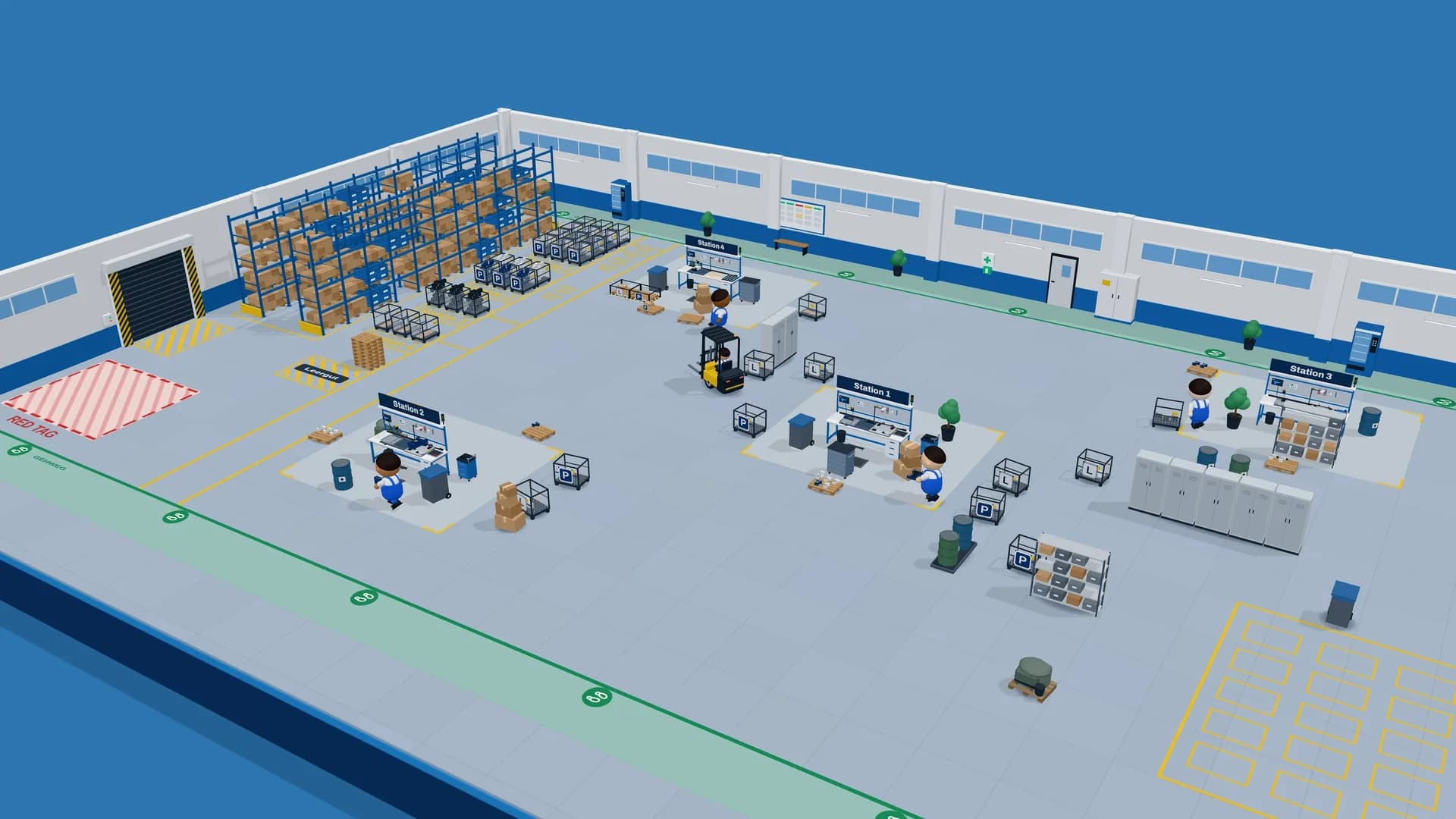
Use the results of this round as the baseline that every later round is compared with.
Tips 5 and 6: Keep time strictly and observe like a coach
5. Keep time strictly
A production round that runs over is not a gift; it is a different game. Real shifts end on time, and results are only comparable if every round has the same length.
- Announce the time at the start of each round and give a warning before the end.
- Stop on time, even mid-assembly. Unfinished pieces count as work in progress, which is a lesson in itself.
- Time-box the discussions too, with a timer the team can see.
- If you fall behind, shorten your own input, never the production rounds or the debrief.
6. Observe and take notes for the debrief
While the team plays, you are the observer with the clipboard. Facts beat impressions: a note such as “station 2 waited for parts four times” lands better than “there was a lot of waiting”. Write down:
- What happened: the eight wastes (TIMWOODS) make a good checklist.
- Where and when: the station and the minute of the round.
- What people said: “Where is the …?” is a gift for the debrief.
With several teams, ask a co-facilitator or an observer from the group to take notes for the second team.
Tip 7: Debrief with numbers, then with questions
The Lean simulation debrief is where the learning happens; a round without one is just a game. Start with the facts on the results screen or the scoreboard and compare them with the last round. Numbers end the argument about who was right and start the discussion about what to change. Then work through three questions: what happened, why did it happen, and what do we change next? Ask why until you reach the process, never a person.
| Phase | Goal of the debrief | Strong questions |
|---|---|---|
| After round 1 | Make waste visible, set the baseline | What frustrated you most? Where did you wait or search? How much of your time added value for the customer? |
| After 5S | Link order to speed and quality | What did you remove, and why was it there? How long does it take now to find a part? Who keeps it this way? |
| After layout and flow | See transport, walking and work in progress | How far does a part travel now? Where does work pile up? What happened to lead time without batches? |
| After SMED | Separate internal from external work | Which steps could happen while the line runs? What did you prepare in advance? What do shorter changeovers allow? |
| After balancing and error proofing | Connect workload, takt and quality | Who waited and who was overloaded? Which mistake can no longer happen, and why? |
| After the final round | Compare first and last round, transfer | What made the biggest difference? Where do you see the same waste at work? What will you try first? |
Tip 8: Introduce one method per round
The power of a Lean simulation is cause and effect: the team changes one thing and sees the result in the next round. Introduce three methods at once and nobody knows which one helped.
- Introduce a method only after the team has felt the problem it solves: 5S after the searching, SMED after the long changeover, one-piece flow after the piles of work in progress.
- Explain it in a few minutes with one picture, then let the team decide how to apply it to their factory.
- Ask for a prediction before the next round, such as “What will happen to lead time?”, and compare it with the result.
- Keep a running chart of the results on the wall or screen, so progress across rounds stays visible.
When one method needs more depth, add a focused exercise, for example a SMED exercise for teams with long changeovers.
Tip 9: Close with transfer to real work and a follow-up
The last quarter of an hour decides whether the simulation changes anything at work. Do not spend it only on a feedback form:
- Compare the first and last roundPut both results side by side and let the team name the changes that made the difference.
- Build the bridgeAsk where participants see the same wastes in their own process.
- Commit to one improvementEvery participant writes down one small improvement, a date and who will help.
- Fix the follow-upBook a short review two to four weeks later, in the team meeting or at the gemba.
Ideas need a home, or they fade with the energy of the day. A simple process for employee ideas makes sure they are decided and implemented, and larger topics can become the scope of a Kaizen event.
Facilitating a Lean simulation online or on the table
All nine tips apply to both formats, but your attention shifts:
| Aspect | Online | On the table |
|---|---|---|
| Group | Distributed teams; the LeanActivity Online Game takes 2 to 20 players in teams of 5 | One room; the LeanActivity Factory Game takes 6 to 16 players |
| Setup | A browser link, no installation | About 15 minutes for the kit |
| Team discussions | Breakout rooms per team, then back to the main call | At the table, around a flip chart |
| Your view | The factory on screen; ask players to describe what they see | Hands, faces and piles of parts in front of you |
| Biggest risk | Silent participants with cameras off | Side conversations and a few dominant players |
Online: the moderator in the call
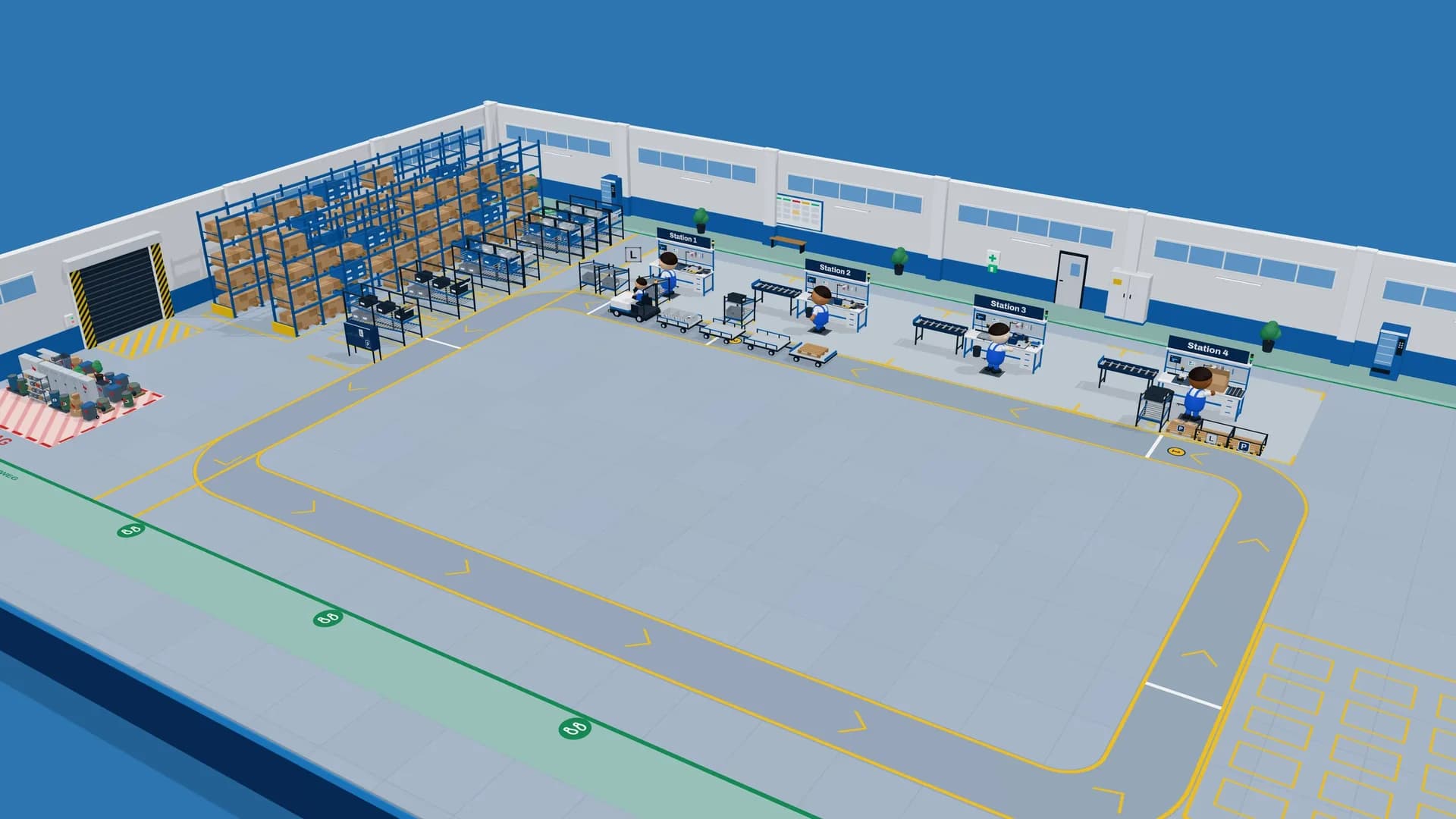
In the LeanActivity Online Game, a moderator leads the session from a video call such as MS Teams. Players are avatars in a 3D factory who walk, carry parts and assemble, through 12 rounds: five production shifts and seven improvement workshops, with KPIs after every shift. If fewer people join than planned, bots fill the free seats, so a small group still runs the whole factory. Ask for cameras and headsets, send each team of five to its own breakout room for the workshops, visit every room briefly, and let one person per team explain the results back in the main call.
On the table: the Factory Game kit
On the table you can read the room: who is stuck, who is bored, where parts pile up. Walk around, stay out of the way, and gather the team at the flip chart for each debrief. The LeanActivity Factory Game is built for 6 to 16 players, sets up in about 15 minutes and comes with video-guided facilitation, which helps when you run it for the first time. Its ten rounds, covering standard work, 5S, layout, SMED, logistics, Kanban and one-piece flow, are laid out on the Factory Game training flow page.
Facilitation mistakes to avoid
- Lecturing before playing. Slides about waste before round 1 spoil the discovery.
- Giving the solution. If you design the new layout, the team learns that the trainer knows best.
- Skipping the debrief to save time. Shorten your input instead.
- Blaming people. Ask about the process, not about the player who made the mistake.
- Ending with applause only. Without commitments and a follow-up date, the session stays a nice day out.
- Never having played it yourself. Run the simulation once with colleagues before your first real group.
Once you are confident, let team leaders co-facilitate. Explaining a method to others is one of the fastest ways to master it.
Frequently asked questions.
What does a Lean simulation facilitator do?
The facilitator prepares the game, briefs the roles, keeps time and observes the team. Most importantly, they lead the debrief after each round: they show the numbers, ask open questions and help the team connect what happened in the game to Lean methods and to their own work.
Do I need to be a Lean expert to facilitate a Lean game?
You need a solid understanding of the methods the game teaches, and you should have played the game yourself first. Beyond that, good questions, strict timing and patience matter more than deep expertise. Video-guided facilitation, as with the LeanActivity Factory Game, helps trainers who run a game for the first time.
How do you debrief a Lean simulation?
Start with the numbers of the round and compare them with the previous one. Then ask what happened, why it happened and what the team wants to change next. Ask about the process rather than individual players, and end the final debrief with a commitment to one improvement at work.
How many facilitators does a Lean simulation need?
One facilitator can lead a typical group. With several teams, a co-facilitator who observes and takes notes for the second team makes the debrief richer. Online, one moderator leads the LeanActivity Online Game with 2 to 20 players in teams of 5.
How do you facilitate a Lean simulation online?
Moderate from a video call such as MS Teams, ask for cameras and headsets, and use breakout rooms for the team discussions. Share the results after every round and let the teams explain their numbers. In the LeanActivity Online Game, nothing needs to be installed and bots fill free seats if fewer people join.
What should I do if a team struggles in the first round?
Let them struggle. The first round of a Lean simulation is meant to be chaotic, and that frustration makes the later methods meaningful. Step in only for safety or questions about the rules, take notes for the debrief and keep the time.